

Latest Version
Thomas Zinnbauer
Tools
Mac
Free
1226444549
Report a Problem
More About Phiewer (lite)
A Streamlined Approach to macOS Media Browsing
Finding a responsive and lightweight tool to quickly preview media files can be a challenge for creative professionals. Phiewer (lite) media viewer offers an elegant solution for macOS users who need to browse, inspect, and organize their visual assets without the bloat of heavy editing suites. Developed by Thomas Zinnbauer, this utility is built specifically for speed, making it an excellent companion for photographers, designers, and digital artists.
What You Can Actually Do with Phiewer (lite)
Instead of waiting for complex software to launch, this utility allows you to instantly open and navigate through folders of assets. Here is how you can integrate the Phiewer (lite) media viewer into your daily creative workflow:
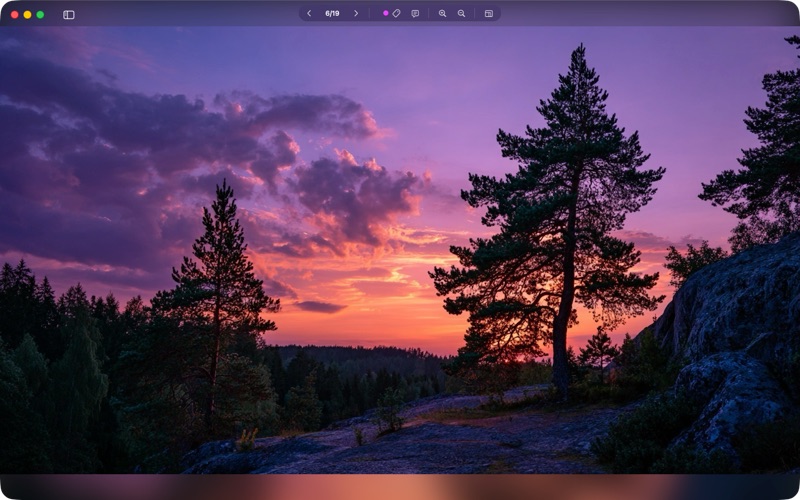
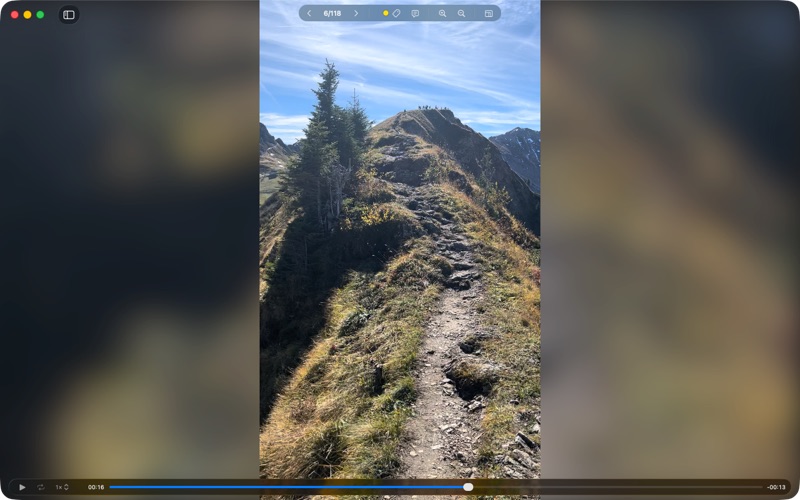
- Rapid Media Previews: Smoothly cycle through high-resolution images, RAW camera files, vector graphics, and video clips with zero lag.
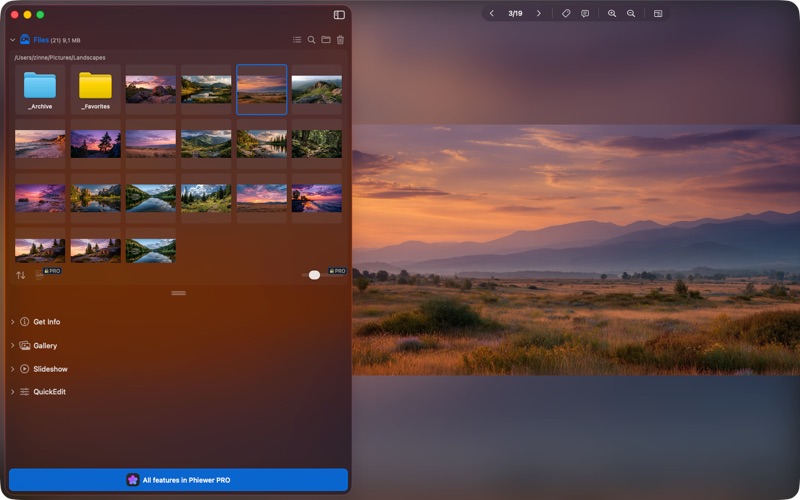
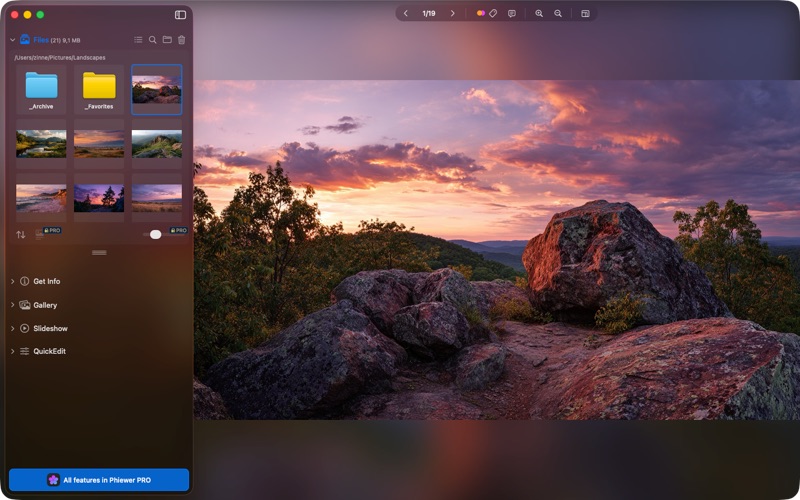
- Folder-Based Navigation: Point the application to a directory and enjoy fast, responsive fluid views of all supported media inside.
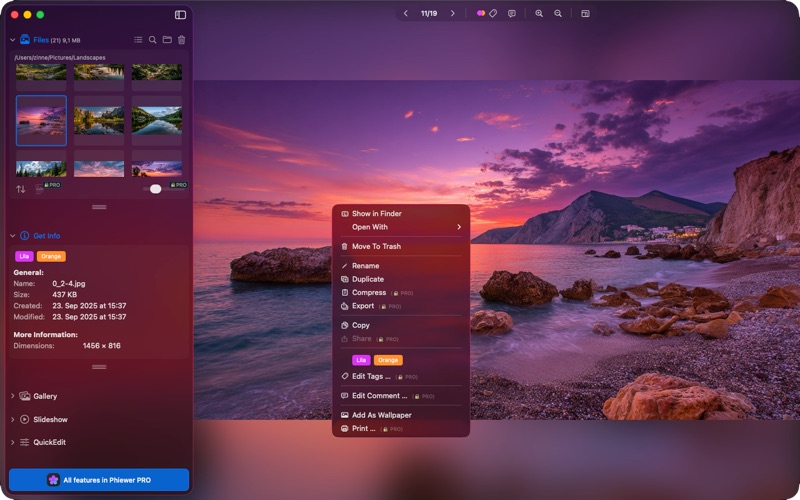
- EXIF and Metadata Inspection: Instantly check critical file information and camera settings directly within the viewing interface.
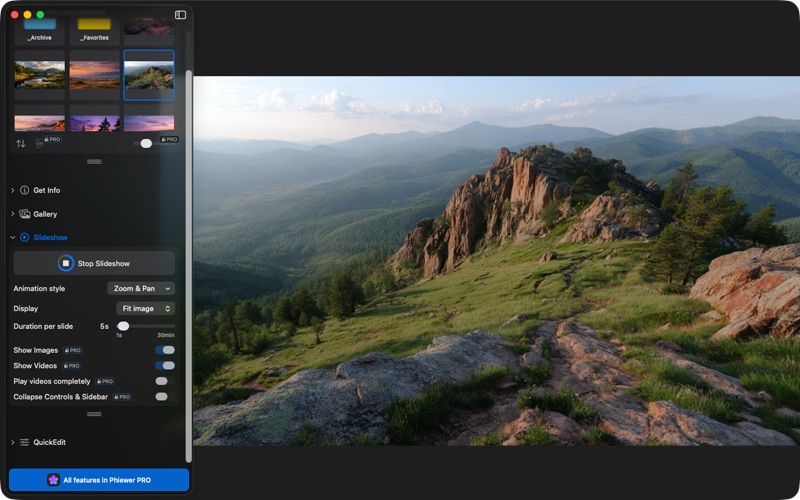
- Automated Slideshows: Set up quick presentations of your work with customizable transition intervals and looping options.
Broad Format Compatibility
One of the strongest selling points of the Phiewer (lite) media viewer is its extensive format support. Out of the box, it handles standard image files (like PNG, JPEG, HEIC, and WebP), specialized design documents (such as PDF, SVG, and PSD), and a vast array of camera-specific RAW formats (including CR2, NEF, ARW, and DNG). It also plays common video and audio formats like MP4, MOV, WAV, and MP3, eliminating the need to switch between different players.
Who Is This Tool For?
If your daily work involves sorting through hundreds of newly shot photos, reviewing video rushes, or cataloging design assets, this app is designed for you. It serves as a rapid-fire first pass tool, allowing you to quickly decide what to keep, edit, or discard. While the standard version handles essential viewing beautifully, demanding users can opt for a PRO upgrade to unlock advanced batch processing, search filters, and shortcut customization.
Explore the App
If you are looking to replace the default macOS preview tools with something faster and more versatile, this utility is highly worth considering. To see how it fits into your creative pipeline, head over to the official Mac App Store to explore the capabilities of Phiewer (lite) today.
Rate the App
User Reviews













Popular Apps










Editor's Choice