

Latest Version
Frank Reiff
Tools
Mac
$29.99
402440280
Report a Problem
More About Big Mean Folder Machine 2
The Ultimate Solution for Overwhelming File Collections
Managing thousands of files on a Mac can quickly spiral into chaos. The Big Mean Folder Machine 2 file organizer by developer Frank Reiff is a dedicated utility built to tackle this exact issue. Whether you are drowning in digital photographs, scattered music tracks, or massive project directories, this application offers a structured, automated way to split or merge your files into clean, logical folder hierarchies.
Who Benefits Most from This Utility?
This software is engineered specifically for professionals and power users who handle heavy data loads daily:
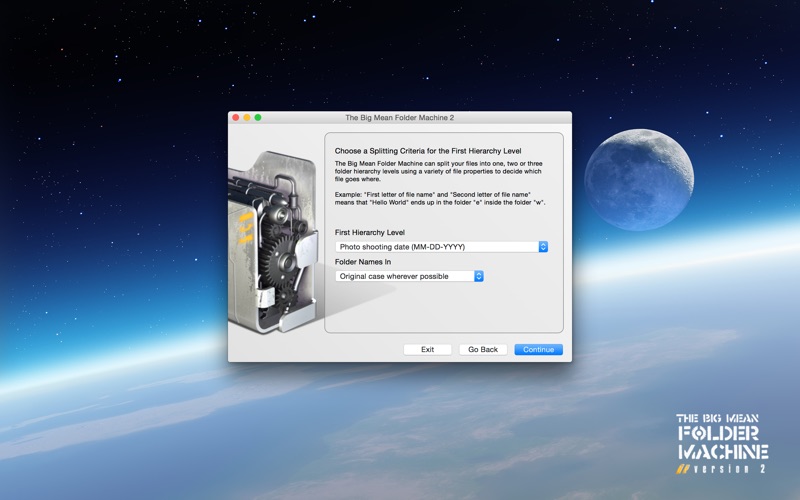
- Digital Photographers: It reads embedded EXIF and RAW shooting dates to sort images into neat folders by year, month, or exact day in seconds.
- Music Collectors: It scans ID3 tags (such as Artist, Album, and Title) to reconstruct a pristine audio library.
- System Administrators & Creatives: It simplifies archiving by splitting massive datasets into fixed-size batch folders perfect for physical media backups.
Key Features of the Big Mean Folder Machine 2 File Organizer
What sets the Big Mean Folder Machine 2 file organizer apart is its robust, industrial-strength 64-bit database-backed engine. It can process hundreds of thousands of files and terabytes of data smoothly. Key capabilities include:
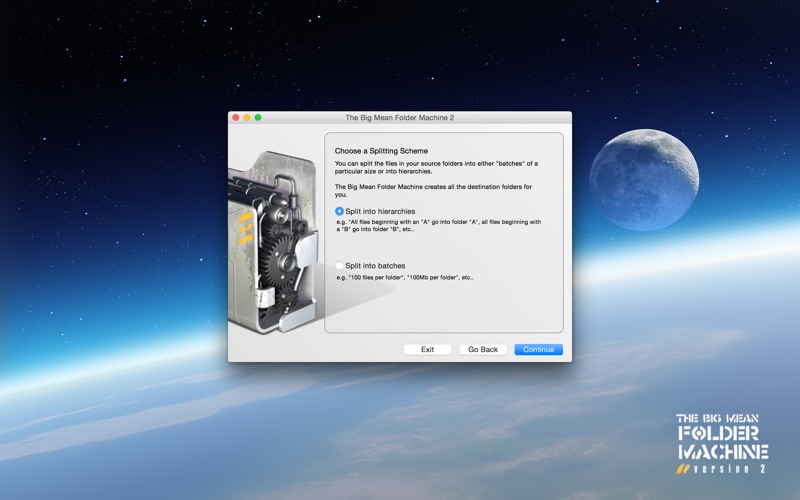
- Smart Splitting: Group files by metadata, creation dates, or custom file counts.
- Seamless Merging: Consolidate scattered folder trees into a single directory.
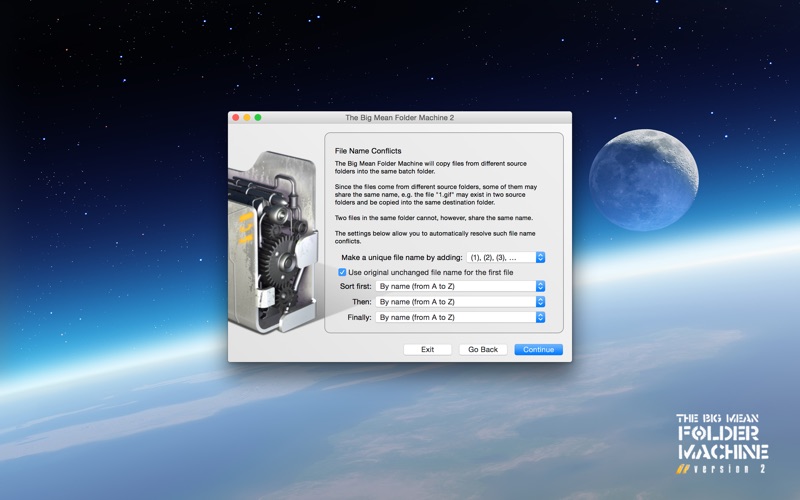
- Conflict Resolution: Built-in algorithms handle duplicate filenames intelligently so you never overwrite critical data.
- Safe Preview Mode: View a complete simulation of the new hierarchy before executing any changes. By default, files are copied rather than moved, ensuring your original data remains perfectly safe.
An Intuitive, Step-by-Step Assistant
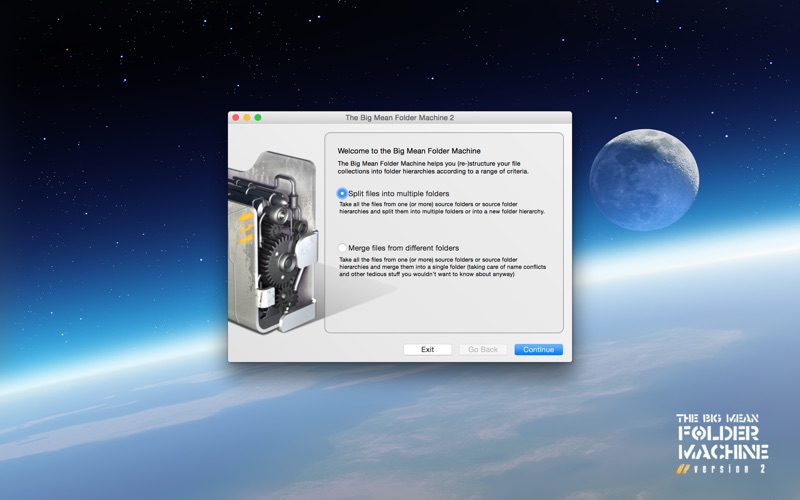
Despite its heavy-duty processing capabilities, the application uses a highly accessible, assistant-style interface that guides you through the configuration process. You do not need to write complex scripts or understand command-line tools; instead, a few simple choices let you customize exactly how your files are organized, renamed, and sorted.
Is It Right for You?
If you spend hours manually sorting media or dread the process of cleaning up your hard drives, this tool is an incredibly valuable asset. It eliminates tedious manual work, prevents name conflicts, and handles massive file migrations with enterprise-grade stability.
To explore this file management utility further and see how it can streamline your workflow, head over to the official Mac App Store to learn more.
Rate the App
User Reviews













Popular Apps










Editor's Choice