

Latest Version
VADIM ZYBIN
Tools
Mac
$5.99
1071264513
Report a Problem
More About Duplicate Manager Pro
An Intelligent Approach to macOS Storage Optimization
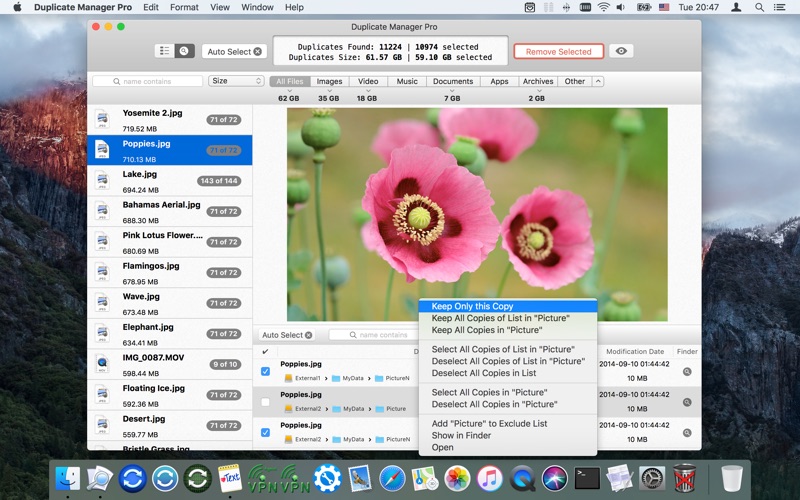
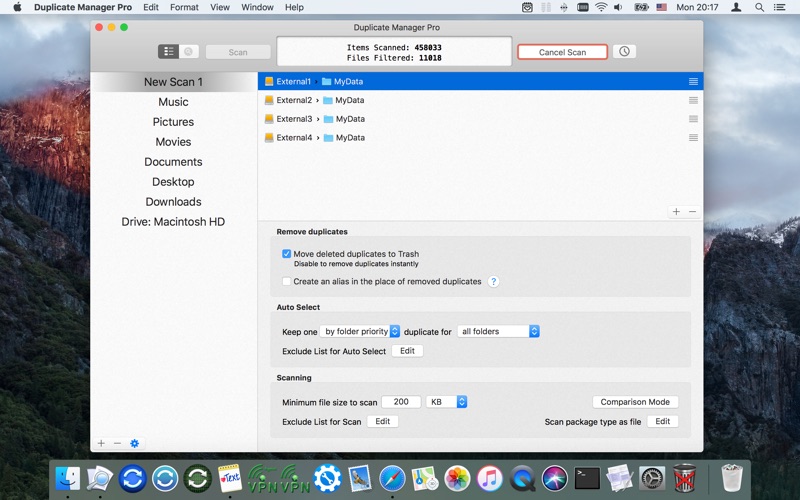
While many duplicate finders require you to manually review thousands of identical files, Duplicate Manager Pro duplicate finder stands out by offering an exceptionally smart auto-selection algorithm. Developed by Vadim Zybin for the Mac platform, this premium utility is designed to target clutter across your entire system while ensuring you never accidentally delete critical files. By prioritizing specific folders and establishing rules for what constitutes an "original" file, the app automates the tedious chore of storage cleanup with remarkable precision.
Flexible Comparison Modes for Advanced Users
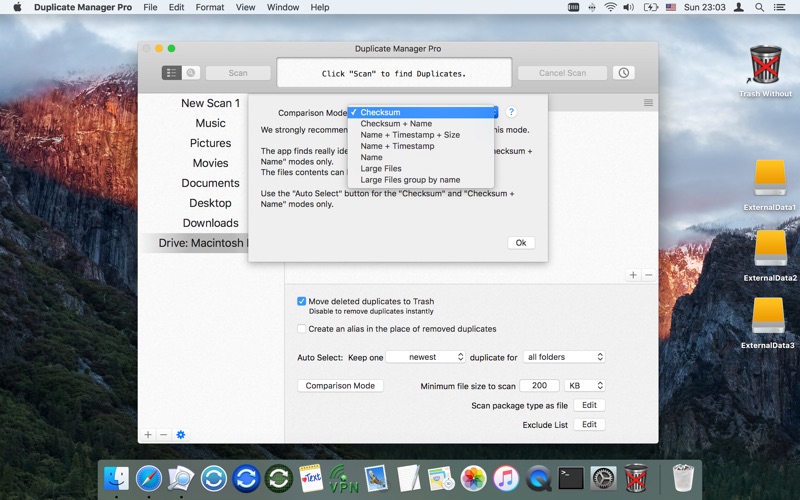
Duplicate Manager Pro duplicate finder does not rely on simple file-name matching. Instead, it offers seven distinct comparison modes to analyze your storage thoroughly:
- Byte-by-Byte Verification: Uses SHA-1 checksums to compare actual file content, ensuring 100% accuracy regardless of file names.
- Hybrid Targeting: Compares content alongside file names, or matches by name, date, and size combination.
- Multi-Device Scanning: Analyzes local hard drives, external storage devices, network volumes, and cloud directories like Google Drive and Dropbox.
- System Library Integration: Safely identifies duplicates residing inside your Photos and iTunes libraries.
Automation and Scheduling
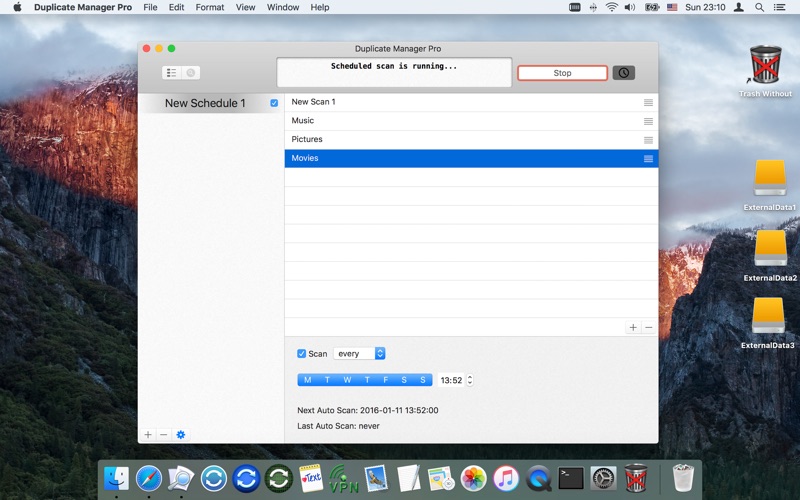
For those who want a set-and-forget solution, the software features built-in scheduling. You can program background scans to run daily or weekly when your Mac is idle. Since the utility allows you to save your scan jobs and progress, you can close the application at any point and resume reviewing your duplicate groups whenever it is convenient for you.
Safe and Customisable File Management
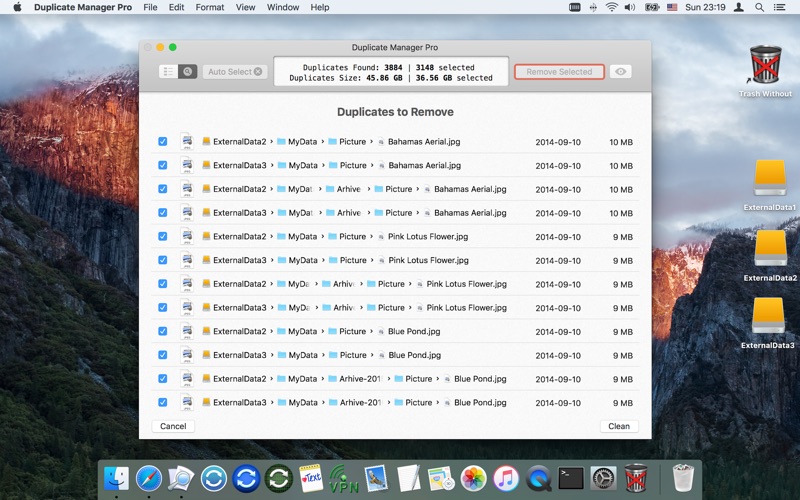
Safety is a core focus of this utility. Users can set up extensive exclusion lists for specific file extensions, folders, or subfolders. When duplicates are identified, you have the choice to move them directly to the Trash, delete them permanently, or replace them with aliases to preserve your folder structures without wasting physical storage space.
Is It Right for You?
Whether you are a beginner looking to run a pre-installed scan job for photos or documents, or an advanced power user needing granular control over SHA-1 checksum comparisons, this utility adapts to your workflow. It is highly optimized for large volumes of data, operating with minimal memory consumption even when index files number in the hundreds of thousands.
If you are ready to reclaim valuable disk space and streamline your digital filing system, you can learn more and purchase the application on the Official Mac App Store.
Rate the App
User Reviews













Popular Apps










Editor's Choice