

Latest Version
maui
Design
Linux
Free
org.kde.pix
Report a Problem
More About Pix
A Seamless Way to Browse Your Visual Library
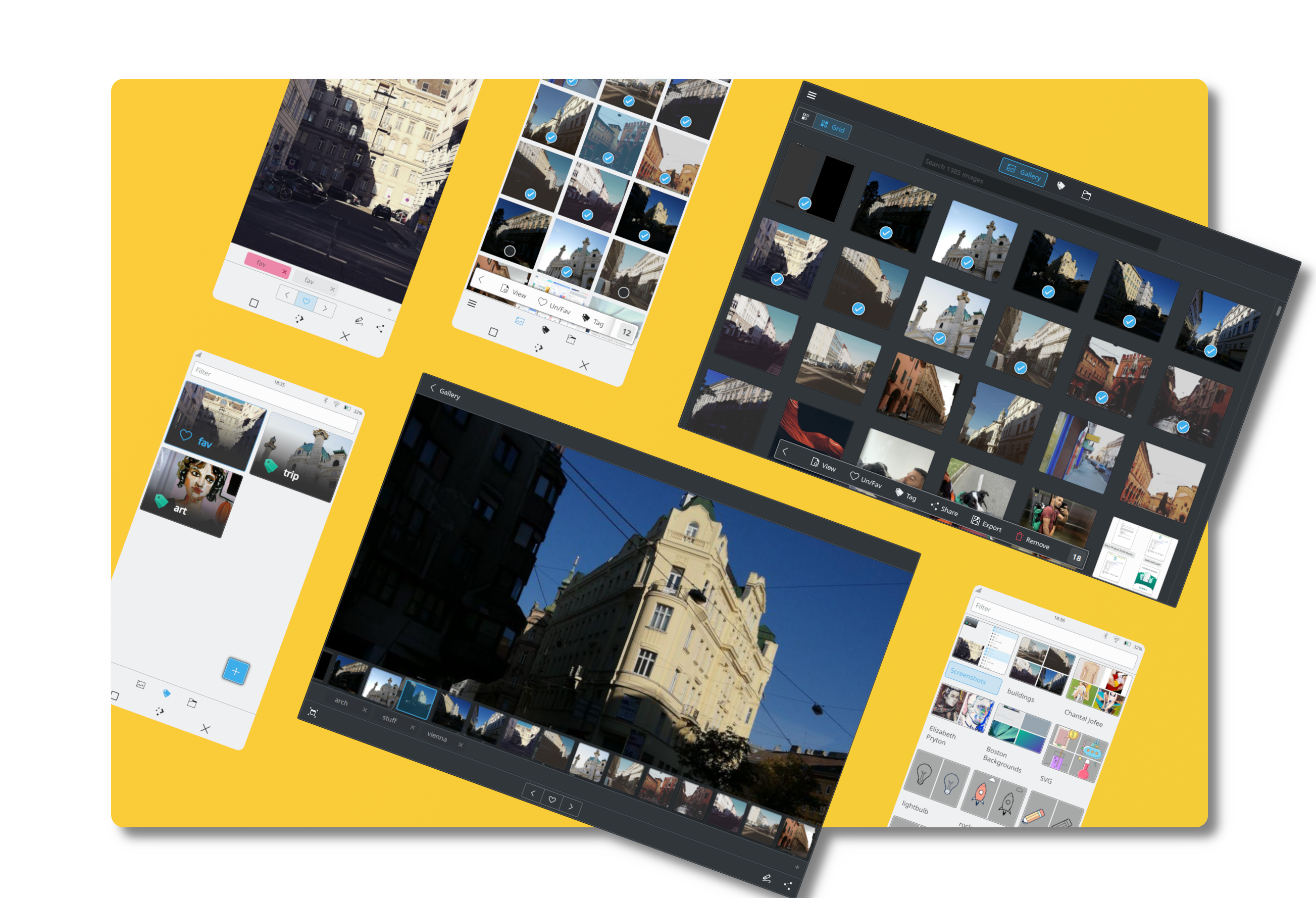
When you open Pix image gallery for the first time, the immediate impression is one of clean, focused design. Developed by Maui, this lightweight utility is crafted specifically for the Linux platform, offering a refined environment where your photos and graphics take center stage without the distraction of cluttered toolbars or overly complex menus.
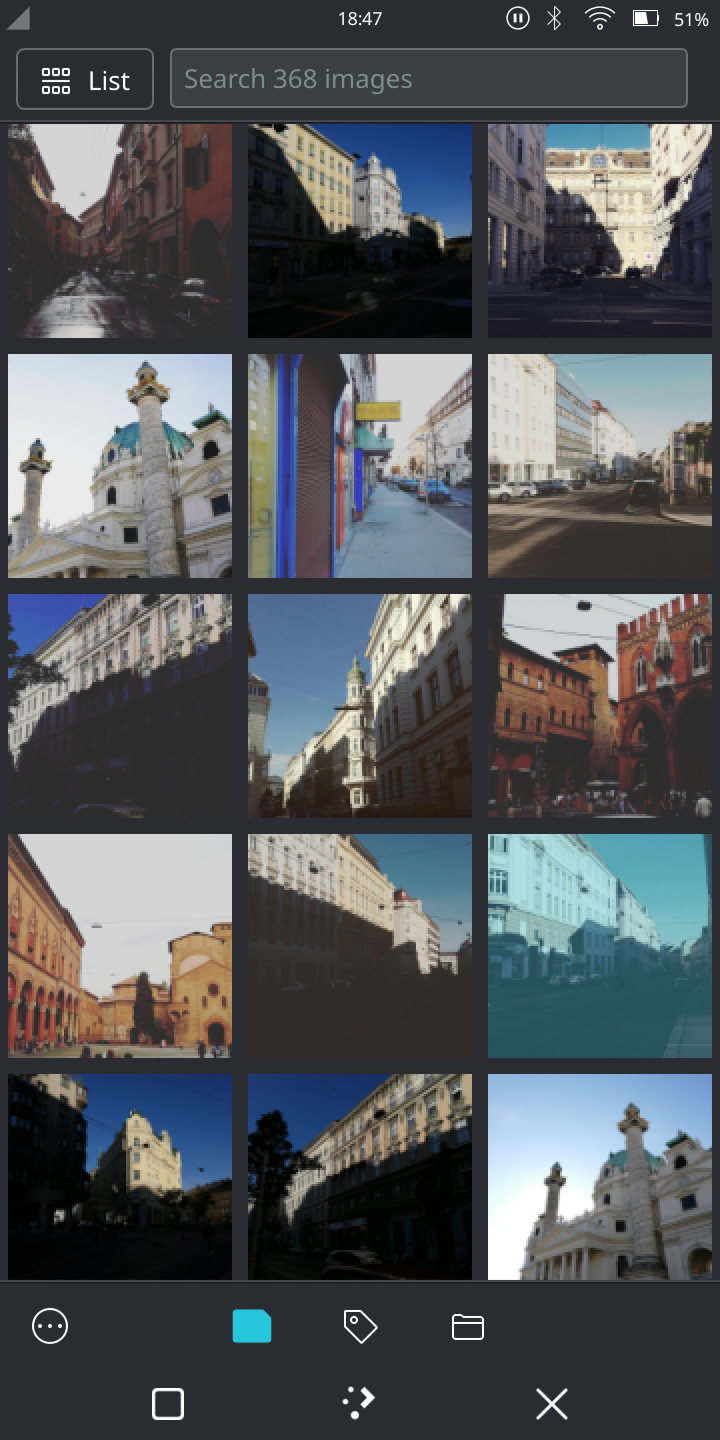
Rather than bogging users down with heavy database configurations, Pix focuses on speed and fluid navigation. It serves as both a rapid image viewer and an intuitive organization hub, making it easy to transition from a broad overview of your folders to a detailed, high-resolution view of a single asset.
Core Features of the Pix Image Gallery
While many image viewers simply display files, Pix integrates several practical management tools directly into its minimalist interface. Here is what makes it a standout choice for Linux users:
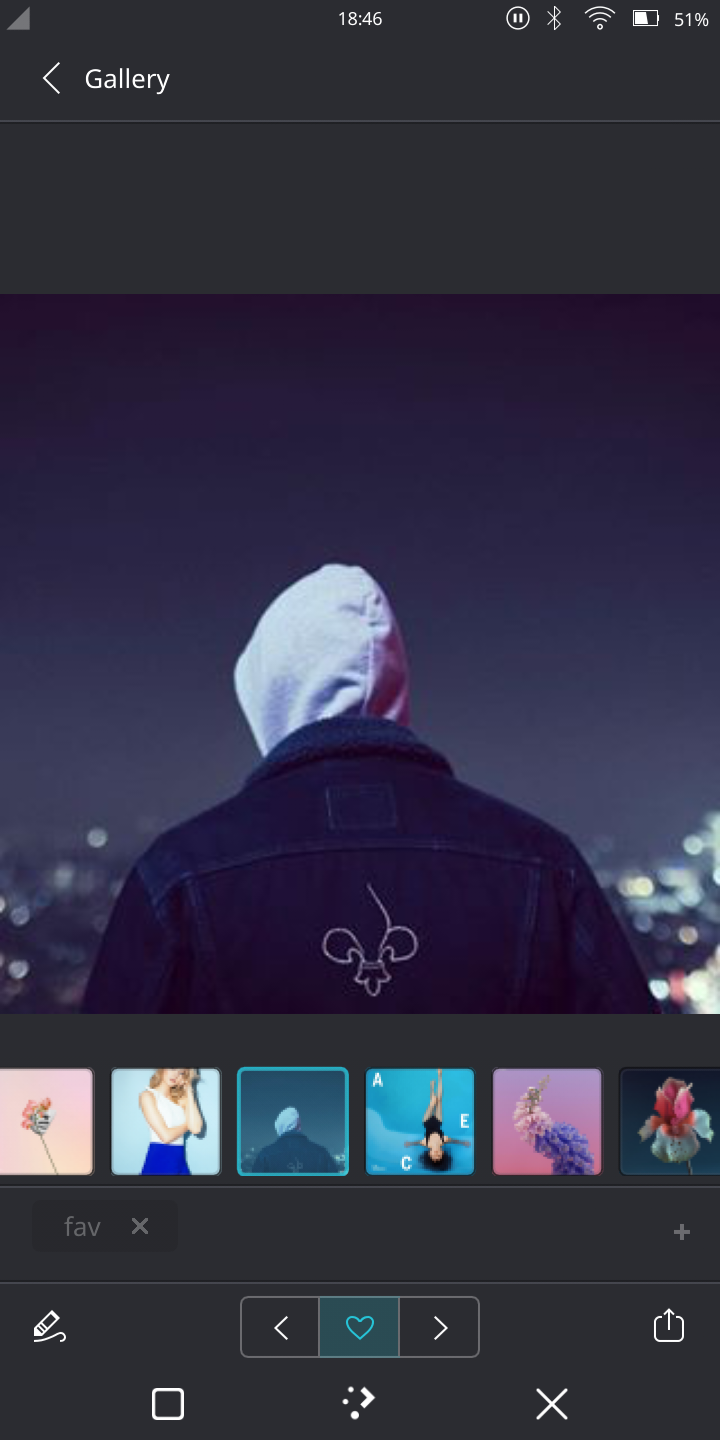
- Integrated File Tagging: Organize your media library on your own terms. You can quickly add custom tags to your files, making it simple to filter and locate specific images later without moving them into separate directories.
- Built-in Annotations: Need to highlight a detail or jot down a quick note? Pix allows you to add annotations directly to your pictures, which is ideal for design mockups, screenshots, or personal memories.
- Quick Rotations & Adjustments: Perform basic image orientation corrections on the fly without needing to launch a heavy, external graphic suite.
- External Application Integration: If you need to perform advanced edits, Pix makes it incredibly straightforward to open your current image in other specialized applications, such as dedicated image editors.
Who is Pix For?
The Pix image gallery is tailored for Linux desktop users who appreciate the Maui design philosophy of convergence and simplicity. If you find standard system viewers too basic, yet find full-scale photo management suites too bloated, Pix strikes the perfect middle ground. It is particularly well-suited for designers, content creators, and casual users who want to keep their visual assets organized, tagged, and easily accessible.
The Verdict
Maui has built a highly responsive, aesthetically pleasing tool that respects the user's workflow. By combining fast file loading with practical metadata tools like tags and annotations, it elevates the standard viewing experience into something much more productive. To integrate this elegant viewer into your own Linux workflow, visit the official Flathub store page to explore the Pix image gallery today.
Rate the App
User Reviews
Other Apps in This Category



Popular Apps










Editor's Choice